⏱️ Timesavers
🎬 Tools
Click a picture to open the guide and its video:
 entr
Run a command when files change
entr
Run a command when files change
 zoxide
Jump to any folder in two keystrokes
zoxide
Jump to any folder in two keystrokes
 tldr
Command examples instead of the manual
tldr
Command examples instead of the manual
 ncdu
Find what is using your disk
ncdu
Find what is using your disk
 fzf
Find anything with fuzzy search
fzf
Find anything with fuzzy search
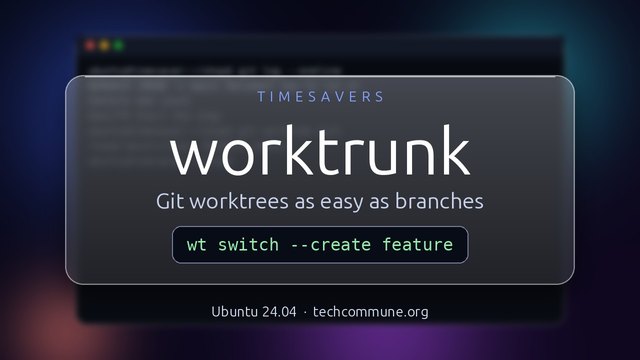 worktrunk
Git worktrees as easy as branches
worktrunk
Git worktrees as easy as branches
 kondo
Clean node_modules and target folders
kondo
Clean node_modules and target folders
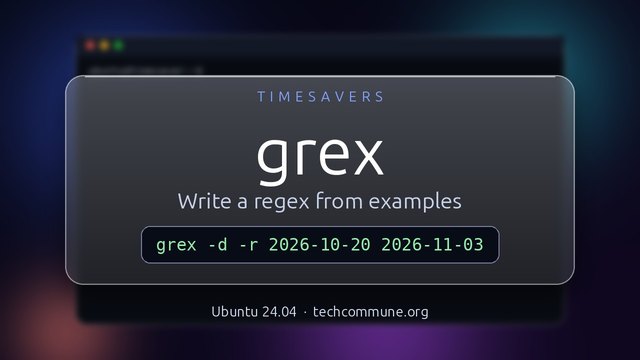 grex
Write a regex from examples
grex
Write a regex from examples
 llmfit
Which LLMs fit your hardware
llmfit
Which LLMs fit your hardware
 croc
Send files to any computer
croc
Send files to any computer
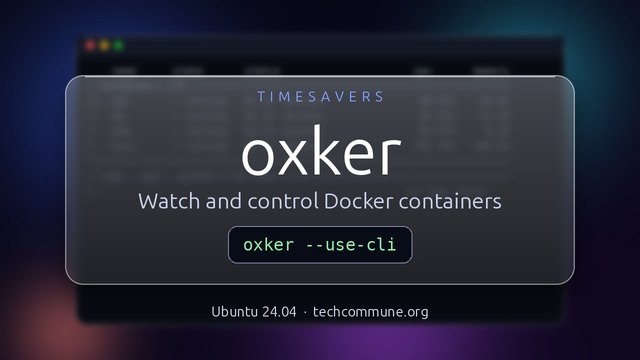 oxker
Watch and control Docker containers
oxker
Watch and control Docker containers
 gitlogue
Replay your Git history
gitlogue
Replay your Git history
 VisiData
A spreadsheet for your terminal
VisiData
A spreadsheet for your terminal
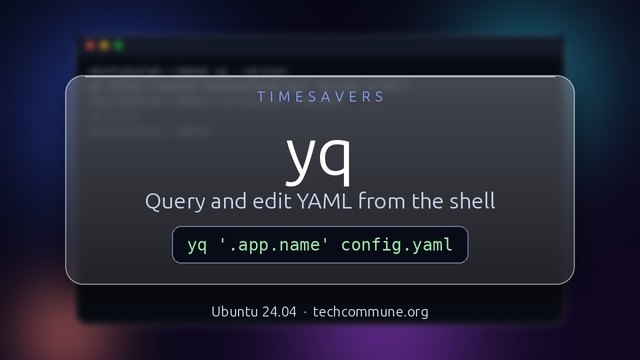 yq
Query and edit YAML
yq
Query and edit YAML
Because the best command is the one you only have to learn once.
I spent six hours writing a script to save five minutes.
It will pay for itself after 72 runs.
It will pay for itself after 72 runs.
What goes here
- Small tools, one job each — the ones you reach for every few weeks and always have to look up again
- A short video — a pane explains what the tool is for, then the terminal comes into focus and the commands run for real
- A one-page guide — the same keys and commands in writing, with the real output, so you can copy them
⚠️ Pro Tip: Do a task by hand three times before you automate it. By the third time you know what the script should say.
More to come
The first set is complete. New tools are added one at a time, and the RSS feed shows each one when it appears.
How do you know a sysadmin loves a tool?
They have aliased it to one letter and forgotten what it was called.
They have aliased it to one letter and forgotten what it was called.