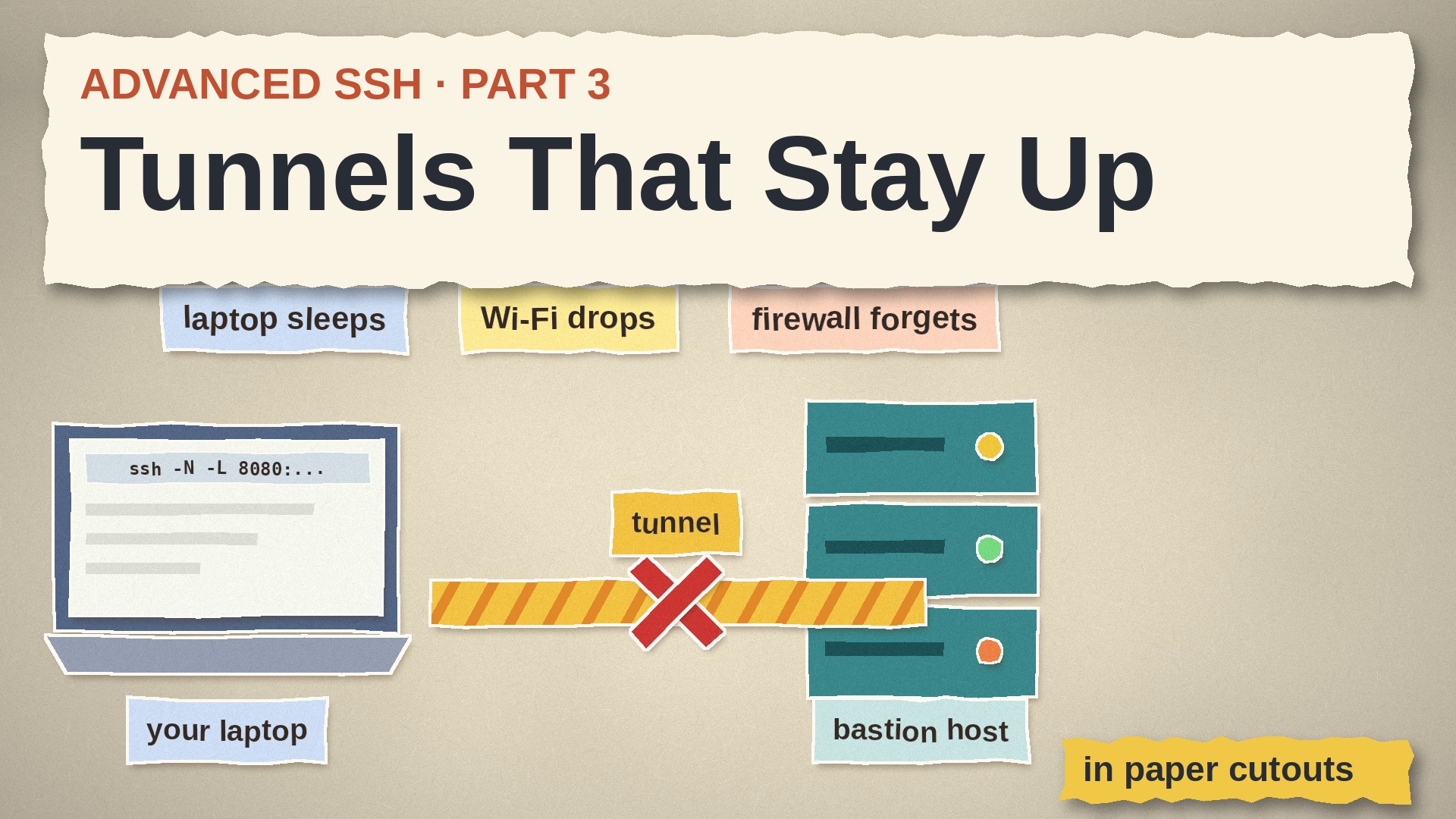
Advanced SSH, part 3: a tunnel that is up is not necessarily a tunnel that works. How to make dead tunnels notice, restart, and come back after a reboot.
▶Prefer to watch? This short video runs this page's main commands in a real three-machine lab, with on-screen captions and a synthetic voiceover (an AI voice trained on the author's own recording). Click to play, or watch it on YouTube.
A tunnel can look perfectly alive after the network under it has died, and SSH will not tell you. Make ssh notice, then let something restart it.

ssh -o ServerAliveInterval=5 -o ServerAliveCountMax=2 ...    exit within seconds when the far side stops answering
ClientAliveInterval 3 / ClientAliveCountMax 2     (sshd_config) free a stale remote-forward port
Restart=always  RestartSec=5                 (systemd unit) start the tunnel again when ssh exits
StartLimitIntervalSec=0                      do not let systemd give up on a flapping tunnel
curl through the tunnel                      the only health check that proves it works

This is part 3 of a series on the advanced features of the ssh command. Part 1 covered tunnels and jump hosts and part 2 covered moving files. The basic version of keeping a connection open (ServerAliveInterval in ~/.ssh/config) is already in the SSH guides on this site; this page shows what happens without it, measured, and builds the restart side.

Every command below was run for real. The client-side keepalive and remote-forward tests used the same lab of three Docker containers as the earlier parts (Ubuntu 24.04, OpenSSH 9.6p1). The systemd and autossh tests used an Ubuntu 24.04 virtual machine acting as the laptop, with systemd 255 and autossh 1.4g, connecting to the lab's bastion. A silent network drop was made by detaching the bastion from its network, which behaves like a pulled cable. The section "What was not run" lists what was not tried; a lab network drop is not a real firewall or a sleeping laptop.
The failure nobody sees
A local forward through the bastion to the intranet web server, with no keepalive options:

$ ssh -f -N -L 8080:intranet:80 bastion
$ curl -sS -m3 localhost:8080 | head -2
<html><body style="font-family:sans-serif"><h1>Intranet portal</h1>
<p>You can only see this from inside the firewall.</p></body></html>

Now the network between the laptop and the bastion is cut silently (nothing is closed, packets just stop). 25 seconds later:

25 s after the network dropped:
LISTEN 0      128        127.0.0.1:8080       0.0.0.0:*
LISTEN 0      128            [::1]:8080          [::]:*
8641 ssh -f -N -L 8080:intranet:80 bastion
Recv-Q Send-Q Local Address:Port  Peer Address:PortProcess
0      0         172.27.0.3:51966   172.27.0.2:22   timer:(keepalive,119min,0)

The listener is still on port 8080 and the ssh process is still running. The only trace is the TCP timer, "keepalive, 119min": the connection is idle, so TCP has nothing to time out. Using the tunnel is what fails:

$ timeout -s KILL 10 curl -sS -m5 localhost:8080; echo "exit status $?"
curl: (28) Operation timed out after 5002 milliseconds with 0 bytes received
exit status 28

Another 35 seconds later (65 seconds after the drop) the picture is the same:

65 s after the network dropped:
8641 ssh -f -N -L 8080:intranet:80 bastion
LISTEN 0      128        127.0.0.1:8080       0.0.0.0:*
LISTEN 0      128            [::1]:8080          [::]:*

When the network came back inside that minute, the same tunnel worked again, because the TCP connection had survived:

$ curl -sS -m5 localhost:8080 | head -1; echo "exit status ${PIPESTATUS[0]}"
<html><body style="font-family:sans-serif"><h1>Intranet portal</h1>
exit status 0

So a short outage heals itself. A longer one does not, and nothing tells you which one you are in.
What TCP does on its own
These are the kernel settings on the machine that ran the test:

net.ipv4.tcp_keepalive_time = 7200
net.ipv4.tcp_keepalive_intvl = 75
net.ipv4.tcp_keepalive_probes = 9
net.ipv4.tcp_retries2 = 15

An idle connection is probed only after tcp_keepalive_time, 7200 seconds (two hours), and then every 75 seconds up to 9 times. Data that goes unanswered is retried tcp_retries2 times, 15. The test above did not wait for either to run out, so these are the settings, not a measured give-up time. What the measurement does show is that after a minute the kernel had not given up, and ssh had not noticed.
ServerAliveInterval: let ssh notice
ssh has its own heartbeat, separate from TCP's. The defaults:

$ ssh -G bastion | grep -iE '^(serveralive|tcpkeepalive)'
tcpkeepalive yes
serveralivecountmax 3
serveraliveinterval 0

serveraliveinterval 0 means it is off. TCPKeepAlive is the kernel's keepalive from the previous section; ServerAliveInterval is a message inside the encrypted session, so it also works through firewalls that look at traffic, and it fires on your schedule. Turn it on, and cut the network four seconds in:

$ date +%T; ssh -N -o ServerAliveInterval=2 -o ServerAliveCountMax=2 -L 8080:intranet:80 bastion; echo "exit status $?"; date +%T; ss -ltn | grep -c 8080
22:08:09
Timeout, server bastion not responding.
exit status 255
22:08:17
0

ssh says "Timeout, server bastion not responding.", exits with status 255, and the listener is gone, within about five seconds of the cut. After interval x count seconds of silence ssh gives up. The number is yours to choose: lower detects faster but may drop a tunnel on a slow moment, higher is calmer. In ~/.ssh/config the same thing is ServerAliveInterval and ServerAliveCountMax under the host (not separately run here).
Remote forwards and the stale port
A remote forward (ssh -R) has a mirror-image problem. The listener is on the server, and the server has to notice that the client is gone, or it keeps the port.

$ ssh -f -N -o ExitOnForwardFailure=yes -R 9000:localhost:3000 bastion
$ ss -ltn | grep 9000; curl -sS -m3 localhost:9000 | head -1        # on the bastion
LISTEN 0      128        127.0.0.1:9000       0.0.0.0:*
LISTEN 0      128            [::1]:9000          [::]:*
<h1>Dev server on the laptop</h1>

Now the laptop freezes. (The lab uses kill -STOP on the ssh client: the process stops answering while the TCP connection stays open, like a half-dead laptop.) A new connection tries to take the same port:

$ ssh -N -o ExitOnForwardFailure=yes -R 9000:localhost:3000 bastion; echo "exit status $?"
Error: remote port forwarding failed for listen port 9000
exit status 255

The bastion's old session still holds the port, and it keeps holding it:

10 s later, on the bastion:
LISTEN 0      128        127.0.0.1:9000       0.0.0.0:*
LISTEN 0      128            [::1]:9000          [::]:*

Killing the frozen client closed its connection normally and the bastion released the port at once. The nasty case is a client that vanishes without closing, and that is what the server's own heartbeat is for. On the bastion:

$ cat /etc/ssh/sshd_config.d/98-alive.conf; sshd -T | grep -i clientalive
ClientAliveInterval 3
ClientAliveCountMax 2
clientaliveinterval 3
clientalivecountmax 2

The same test again, with the client frozen after the forward is up:

10 s after the client froze, on the bastion:
port 9000 is free

The bastion's log:

Timeout, client not responding from user demo 172.27.0.3 port 57006

After 3 seconds x 2 of silence the server dropped the session and freed the port, and a new -R was accepted (it was still running when the test stopped it after 5 seconds):

exit status 137 (124/137 = still running when the timeout hit)

(Exit 137 means the timeout command had to kill ssh, so ssh was running, not failing.) Freezing a process stands in for a vanished client. A firewall that forgets the connection was not tested.
A systemd unit that restarts the tunnel
ssh now exits when the link dies. Something has to start it again. A system service on the laptop (or on a server that keeps a tunnel open):

$ cat /etc/systemd/system/intranet-tunnel.service
[Unit]
Description=Tunnel to the intranet portal through the bastion
After=network-online.target
Wants=network-online.target

[Service]
User=ubuntu
ExecStart=/usr/bin/ssh -N -i /home/ubuntu/.ssh/lab_key -o StrictHostKeyChecking=accept-new -o ExitOnForwardFailure=yes -o ServerAliveInterval=5 -o ServerAliveCountMax=2 -L 8080:intranet:80 demo@172.27.0.2
Restart=always
RestartSec=5

[Install]
WantedBy=multi-user.target

Notes on the choices. After/Wants network-online.target: wait for a network before the first try. ExitOnForwardFailure=yes: if the forward cannot be set up, exit and let systemd try again, rather than sit connected and useless. The ServerAlive options: make ssh exit when the link dies. Restart=always with RestartSec=5: start again 5 seconds after any exit.

$ sudo systemctl enable --now intranet-tunnel; systemctl is-active intranet-tunnel; curl -sS -m3 localhost:8080 | head -1
active
<html><body style="font-family:sans-serif"><h1>Intranet portal</h1>

Now the network is cut for 20 seconds. The journal:

$ journalctl -u intranet-tunnel -n 6
Nov 17 22:09:44 laptop2 ssh[2230]: Timeout, server 172.27.0.2 not responding.

$ systemctl show intranet-tunnel -p NRestarts -p ActiveState -p SubState
NRestarts=1
ActiveState=active
SubState=running

After the network came back:

tunnel answered 1 s after the network came back

Without the keepalive options in the unit, systemd cannot help, because ssh never exits. Forty seconds after the drop, with Restart=always still in place:

40 s after the network dropped:
active
NRestarts=0
curl exit status 28

systemd says "active" and has restarted nothing, while the tunnel is dead (curl exit status 28 is a timeout). Restart=always only restarts a process that exits. The keepalive is what makes it exit.
The start-limit trap
systemd refuses to restart a service that fails too often: by default more than 5 starts in 10 seconds. A tunnel that fails instantly (here, a wrong port) with RestartSec=1 reaches that quickly:

[Unit]
Description=Tunnel to the intranet portal through the bastion
After=network-online.target
Wants=network-online.target

[Service]
User=ubuntu
ExecStart=/usr/bin/ssh -N -i /home/ubuntu/.ssh/lab_key -o StrictHostKeyChecking=accept-new -o ExitOnForwardFailure=yes -o ServerAliveInterval=5 -o ServerAliveCountMax=2 -L 8080:intranet:80 demo@172.27.0.2 -p 2222
Restart=always
RestartSec=1

[Install]
WantedBy=multi-user.target

$ systemctl is-active intranet-tunnel; systemctl show intranet-tunnel -p ActiveState -p Result -p NRestarts
failed
Result=exit-code
NRestarts=5
ActiveState=failed

$ journalctl -u intranet-tunnel
22:17:32 laptop2 systemd[1]: intranet-tunnel.service: Failed with result 'exit-code'.
22:17:33 laptop2 systemd[1]: intranet-tunnel.service: Scheduled restart job, restart counter is at 5.
22:17:33 laptop2 systemd[1]: intranet-tunnel.service: Start request repeated too quickly.
22:17:33 laptop2 systemd[1]: intranet-tunnel.service: Failed with result 'exit-code'.
22:17:33 laptop2 systemd[1]: Failed to start intranet-tunnel.service.

After 5 restarts systemd says "Start request repeated too quickly" and the service stays failed, even after the network returns. For a tunnel that must come back, put this in the [Unit] section:

StartLimitIntervalSec=0

and the same unit keeps trying:

$ head -2 /etc/systemd/system/intranet-tunnel.service; systemctl is-active intranet-tunnel; systemctl show intranet-tunnel -p NRestarts
[Unit]
StartLimitIntervalSec=0
activating
NRestarts=12

(Still "activating", 12 restarts in, and no longer giving up.) With RestartSec=5 as in the first unit you will not hit the default limit from a single outage; the trap is a short RestartSec together with an instant failure, or a long outage with a short restart delay.
Does it come back after a reboot?
With the unit enabled (WantedBy=multi-user.target), the VM was rebooted, and checked with nobody logged in:

$ uptime -p; systemctl is-active intranet-tunnel; who | wc -l; curl -sS -m3 localhost:8080 | head -1
up 0 minutes
active
0
<html><body style="font-family:sans-serif"><h1>Intranet portal</h1>

The tunnel was already up, with no login. That is the point of a system service over an ssh command in a terminal. (The lab bastion was reachable the whole time. A boot where the network comes late was not tested; network-online.target is the standard answer.)
autossh: what it adds
autossh is a small program that runs ssh and starts it again when it exits. Version here: autossh 1.4g-1.

$ AUTOSSH_GATETIME=0 autossh -M 0 -f -N -i ~/.ssh/lab_key -o ServerAliveInterval=5 -o ServerAliveCountMax=2 -o ExitOnForwardFailure=yes -L 8080:intranet:80 demo@172.27.0.2
$ pgrep -a -x autossh; pgrep -a -x ssh; curl -sS -m3 localhost:8080 | head -1
1183 /usr/lib/autossh/autossh -M 0    -N -i /home/ubuntu/.ssh/lab_key -o StrictHostKeyChecking=accept-new -o ServerAliveInterval=5 -o ServerAliveCount
1184 /usr/bin/ssh -N -i /home/ubuntu/.ssh/lab_key -o StrictHostKeyChecking=accept-new -o ServerAliveInterval=5
<html><body style="font-family:sans-serif"><h1>Intranet portal</h1>

-M 0 turns off autossh's own monitoring port, so autossh depends on the ServerAlive options in the same way systemd did: it only restarts ssh when ssh exits. AUTOSSH_GATETIME=0 makes it keep retrying even if the first connection fails. Cut the network for 20 seconds:

20 s after the network dropped:
1183 /usr/lib/autossh/autossh -M 0    -N -i /home/ubuntu/.ss
1244 /usr/bin/ssh -N -i /home/ubuntu/.ssh/lab_key -o StrictH

The autossh process (1183) is the same, and the ssh under it has a new process number (1244 instead of 1184): it was restarted. After the network came back:

tunnel answered 2 s after the network came back

So autossh does what the systemd unit does. If you already run systemd, a unit needs no extra package and logs to the journal; autossh is a convenient way to get the same result in a shell script or on a system without systemd. The -M monitoring-port mode was not tested.
Up is not the same as working
A tunnel can be healthy and useless: the far side may be down. The web server behind the tunnel was frozen:

$ systemctl is-active intranet-tunnel; timeout -s KILL 8 curl -sS -m4 localhost:8080; echo "curl exit status $?"
active
curl exit status 28

The unit says active, the listener answers, and the page never arrives. systemd and autossh only know whether ssh runs. If it matters, check by using the tunnel (curl with a short timeout and a status check), and restart the tunnel from that check. When the web server was resumed:

$ curl -sS -m4 localhost:8080 | head -1
<html><body style="font-family:sans-serif"><h1>Intranet portal</h1>

(A monitor built on that idea was not built or tested here.)
Cheat sheet
ssh -o ServerAliveInterval=5 -o ServerAliveCountMax=2 -o ExitOnForwardFailure=yes -N -L ...   a tunnel that exits when it dies
ClientAliveInterval 3, ClientAliveCountMax 2     in sshd_config.d: the server frees stale -R ports
ssh -G host | grep -i alive                      what is in effect (default interval 0 = off)
Restart=always  RestartSec=5                     in the unit: start again after any exit
StartLimitIntervalSec=0                          in [Unit]: never give up (default gives up after 5 starts in 10 s)
After=network-online.target  Wants=network-online.target     wait for a network at boot
systemctl show UNIT -p NRestarts -p ActiveState  how often it restarted
autossh -M 0 -f -N ...                           the same restart loop without systemd
curl -sS -m4 localhost:PORT                      the health check: use the tunnel
What was not run
Not run: a real firewall or NAT that forgets idle connections, a laptop going to sleep and resuming, Wi-Fi roaming, a slow or lossy link. The "drop" was a Docker network detach, and the frozen client was a stopped process.

Not run: how long TCP takes to give up on its own (the minute-scale test stopped at 65 seconds), and ServerAlive values other than 2x2 and 5x2.

Not run: autossh -M with a monitoring port, a unit running as a different user or using an agent or ssh-add, ControlMaster/ControlPersist together with a tunnel, IPv6, Windows (including the OpenSSH service there), macOS launchd, and OpenSSH older than 9.6.

Not run: a boot where the network is late, and a health-check monitor.

The bastion in the lab accepts connections from the laptop only; the start-limit test used a closed port rather than a down host.
Common problems and tips
The tunnel is up, curl hangs. Check the tunnel by using it. No ServerAliveInterval means ssh will not notice for a long time.

Timeout, server X not responding. That is ssh working as designed. Check the network, and let the unit or autossh restart it.

Error: remote port forwarding failed for listen port N. The server still holds the port from an old session. Set ClientAliveInterval and ClientAliveCountMax on the server, and use ExitOnForwardFailure=yes so the client exits and retries instead of sitting there.

The service is "failed" and does not come back. Look for "Start request repeated too quickly". Raise RestartSec or set StartLimitIntervalSec=0 in [Unit], then systemctl reset-failed.

The tunnel drops on a good network. Your ServerAlive numbers may be too tight. Try interval 15, count 3.

Tips. Always combine ServerAlive with a restart mechanism, and the other way round. Use ExitOnForwardFailure=yes. Put the unit's ssh options in the unit so the tunnel does not depend on someone's config file. Check with curl.

Next in the series: SSH certificates.